


OpenAI Updated Its ChatGPT Chrome Extension: Here is How to Turn On the 3 New Features
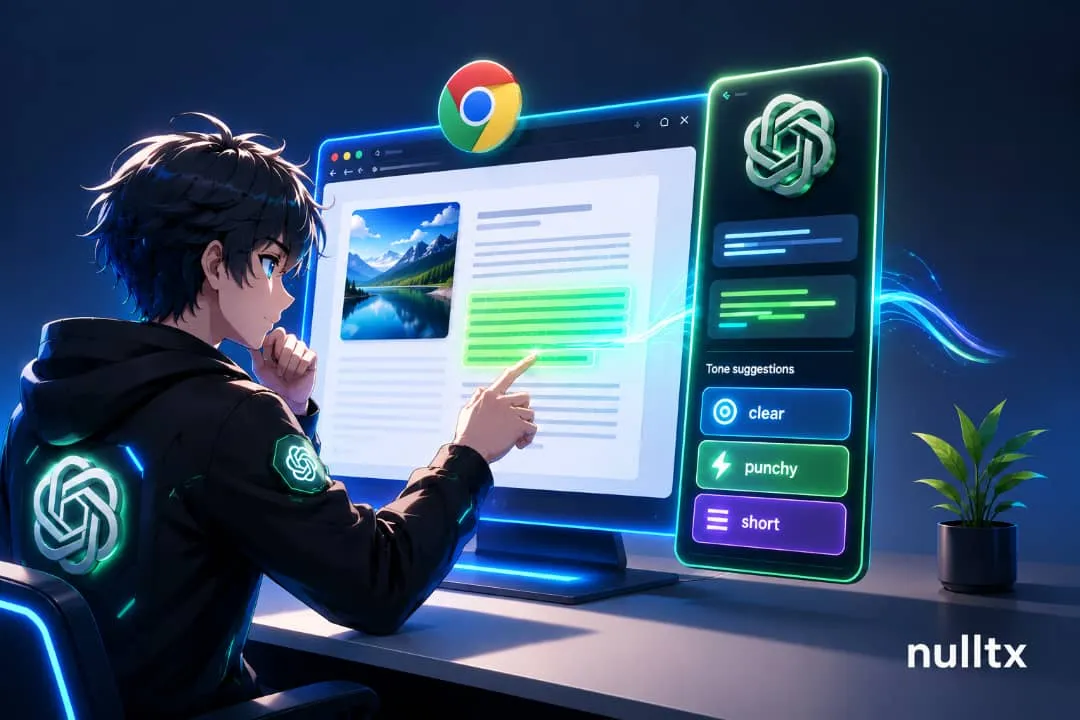
I‘ve had ChatGPT open in one tab and the six tabs I actually needed information from open right next to it for years now, copying and pasting between them like it’s still 2023. OpenAIs latest Chrome extension update, announced through its official @ChatGPT account, is aimed squarely at killing that habit. Three distinct upgrades shipped together, and each one deserves its own explanation rather than getting lumped into a single “extension got better” headline. Three distinct upgrades shipped together, and each one deserves its own explanation rather than getting lumped into a single “extension got better” headline. 1. Tab-Aware Context The core of the update is that ChatGPT‘s side panel can now pull in context from your open tabs when a task needs it, rather than limiting itself to whatever single page you’re currently viewing. According to OpenAIs own developer documentation, chats you start in Chrome sync with the ChatGPT app, and the panel itself stays anchored to the tab you opened it from — so you can move through a research session across several tabs and ask questions that draw on more than one page at once. How to set it up:Install the Chrome extension through the Plugins Directory inside the ChatGPT desktop